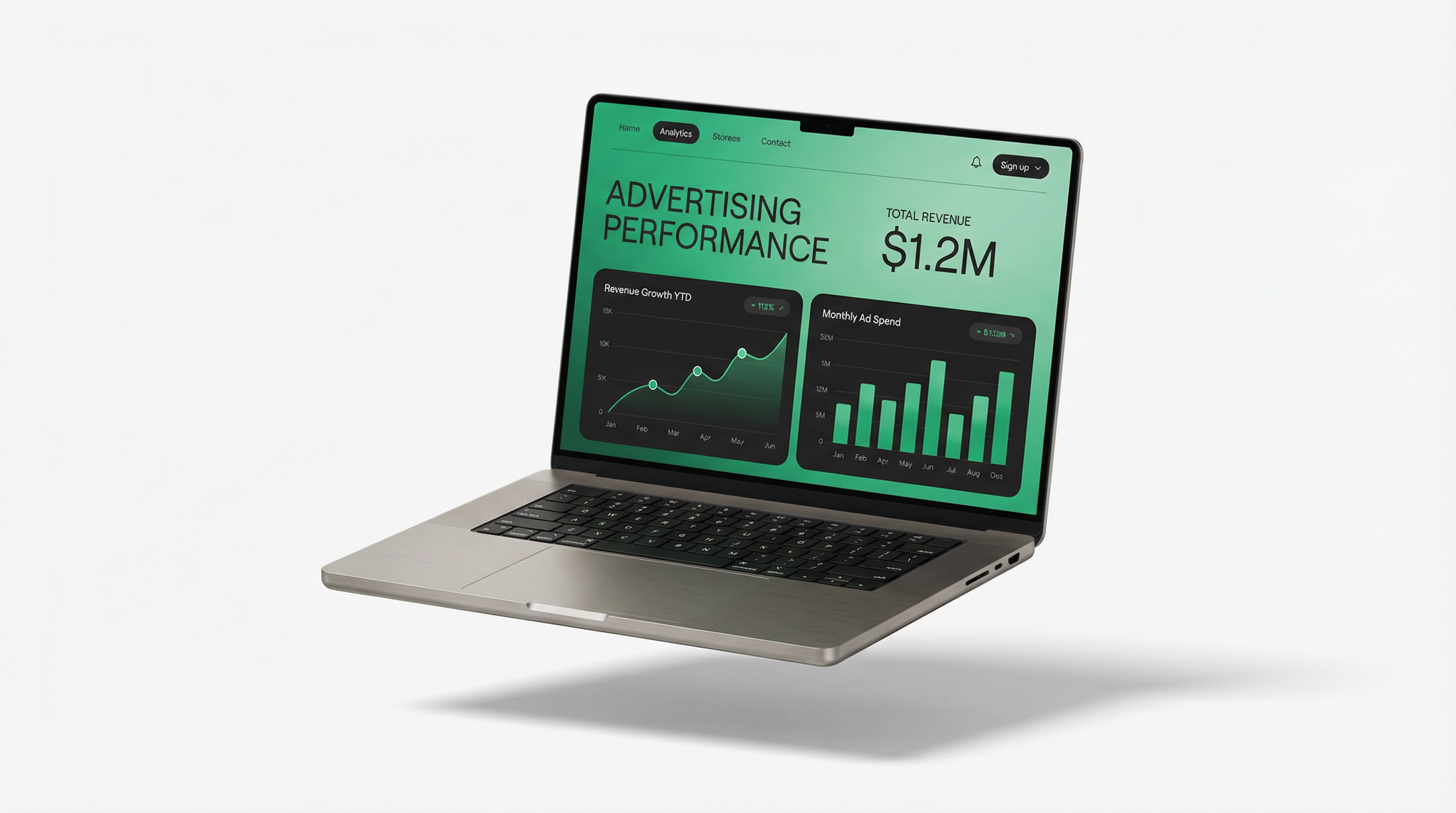
The Speed-Revenue Connection
Website speed isn't just about user experience – it directly impacts your bottom line. Studies show that:
Speed Impact Statistics
- 1 second delay = 7% reduction in conversions
- 53% of mobile users abandon sites taking >3 seconds
- Faster sites see 20-30% higher ad viewability
- Google ranks faster sites higher in search
- Each second of improvement can increase revenue 2-5%
How Speed Affects Ad Revenue
1. Ad Viewability
Viewability measures whether ads are actually seen by users. Slow sites hurt viewability because:
- Users scroll past before ads load
- Users leave before ads appear
- Ads below the fold never get seen
Higher viewability = higher CPMs from advertisers.
2. Bounce Rate
Slow sites have higher bounce rates:
- Users leave before seeing any ads
- Fewer pageviews per session
- Lower overall ad impressions
3. SEO Rankings
Google uses Core Web Vitals as ranking factors:
- Slower sites rank lower
- Lower rankings = less organic traffic
- Less traffic = less ad revenue
4. User Engagement
Fast sites encourage users to:
- View more pages
- Spend more time on site
- Return more often
- All leading to more ad impressions
Core Web Vitals Explained
| Metric | What It Measures | Good Score |
|---|---|---|
| LCP (Largest Contentful Paint) | Loading performance | < 2.5 seconds |
| FID (First Input Delay) | Interactivity | < 100 milliseconds |
| CLS (Cumulative Layout Shift) | Visual stability | < 0.1 |
| INP (Interaction to Next Paint) | Responsiveness | < 200 milliseconds |
Speed Optimization Techniques
1. Image Optimization
Images are often the biggest performance culprit:
- Use WebP format (30% smaller than JPEG)
- Implement lazy loading
- Serve responsive images
- Compress images before upload
- Use a CDN for image delivery
2. Minimize JavaScript
- Defer non-critical scripts
- Remove unused JavaScript
- Minify and compress JS files
- Load third-party scripts asynchronously
3. Optimize CSS
- Inline critical CSS
- Remove unused CSS
- Minify CSS files
- Avoid CSS @import
4. Server Optimization
- Use a fast hosting provider
- Enable GZIP compression
- Implement browser caching
- Use HTTP/2 or HTTP/3
- Consider a CDN
5. Database Optimization
- Clean up old data
- Optimize database queries
- Use caching plugins
- Regular maintenance
Optimizing Ads Without Sacrificing Speed
1. Lazy Load Ads
Only load ads when they're about to enter the viewport:
- Improves initial page load
- Reduces wasted impressions
- Better viewability scores
2. Limit Ad Units
More ads = slower pages. Find the optimal balance:
- Test different ad densities
- Focus on high-performing placements
- Remove underperforming units
3. Use Asynchronous Ad Loading
- Ads load without blocking page content
- Better user experience
- Most modern ad networks support this
4. Reserve Ad Space
Prevent layout shift by reserving space for ads:
- Set explicit width and height
- Use CSS aspect-ratio
- Improves CLS score
Tools for Speed Testing
- Google PageSpeed Insights: Official Google tool
- GTmetrix: Detailed performance analysis
- WebPageTest: Advanced testing options
- Lighthouse: Built into Chrome DevTools
- Pingdom: Simple speed testing
Speed Optimization Checklist
Quick Wins
- ☐ Enable GZIP compression
- ☐ Optimize and compress images
- ☐ Enable browser caching
- ☐ Minify CSS and JavaScript
- ☐ Use a CDN
- ☐ Lazy load images and ads
- ☐ Remove unused plugins/scripts
- ☐ Upgrade to faster hosting
HilltopAds and Page Speed
HilltopAds is designed with performance in mind:
- Lightweight ad scripts
- Asynchronous loading by default
- Global CDN for fast delivery
- Optimized for Core Web Vitals
Conclusion
Website speed and ad revenue are directly connected. By optimizing your site's performance, you'll not only improve user experience but also increase ad viewability, reduce bounce rates, and ultimately earn more from your traffic. Start with the quick wins and gradually implement more advanced optimizations.
Fast Ads, Better Revenue
HilltopAds' optimized ad delivery won't slow down your site.
Get Started Free →